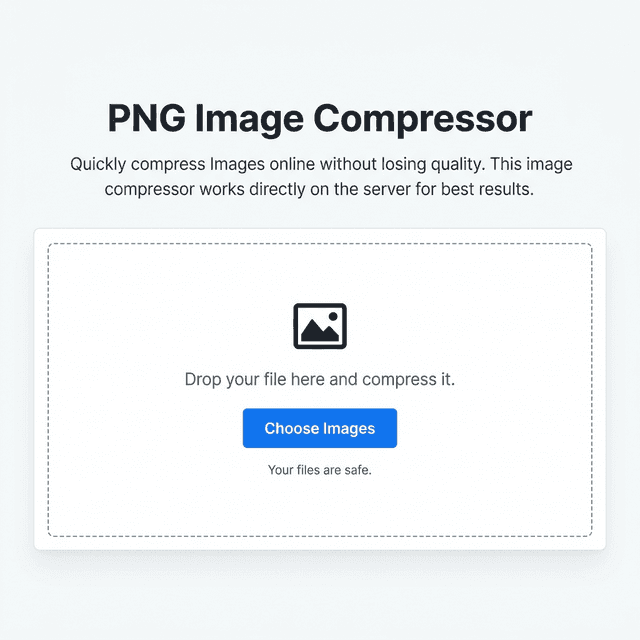
PNG Image Compressor
Quickly compress Images online without losing quality. This image compressor works directly on the server for best results.

Drop your file here and compress it.
Your files are safe.
Elevate Your Productivity
Don't stop here. Explore our suite of AI-powered tools designed to simplify your digital life.
PNG Compressor Online – Compress PNG Images Without Losing Quality
A PNG compressor online helps reduce PNG image file size instantly while preserving transparency and visual quality. Tools like the ImagZilla PNG compressor allow users to compress images directly in the browser without installing software.
Compress PNG Images Online Quickly and Securely
PNG images are commonly used for graphics, logos, UI elements, and screenshots because they support transparency and high image quality. However, PNG files are often larger than other formats, which can slow down websites and increase page loading time.
Using a PNG compressor online allows users to reduce image file size while maintaining excellent visual clarity. Optimized images load faster, improve user experience, and enhance website performance.
Benefits of PNG Compression
- Reduce PNG file size
- Improve website loading speed
- Optimize images for SEO
- Save storage space
- Upload & share images faster
- Preserve transparency
What Is a PNG Compressor?
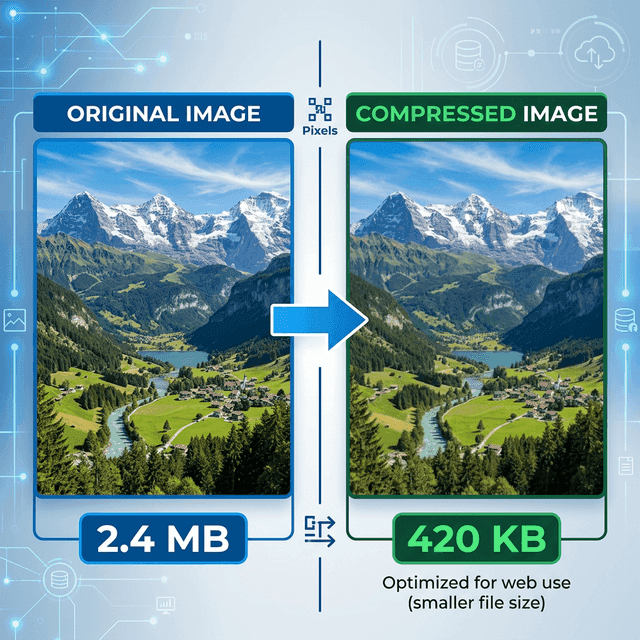
A PNG compressor is a tool designed to reduce PNG image file size without significantly affecting visual quality or transparency. PNG compression works by analyzing image data and removing unnecessary information that increases file size.
Why PNG Compression Is Important for Websites
Large images are one of the most common reasons websites load slowly. Slow websites negatively affect SEO rankings, user experience, and conversion rates.
Reduce page loading time
Improve Core Web Vitals
Enhance mobile performance
Reduce bandwidth usage
Improve search ranking
How PNG Compression Works
How to Compress PNG Images Online
Upload the PNG Image
Upload your PNG image to the compression tool.
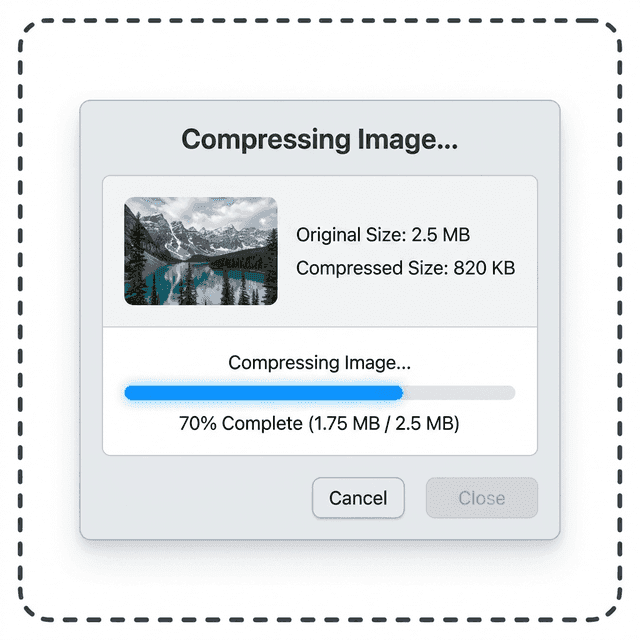
Automatic Compression
The compression system analyzes the image and reduces file size automatically.
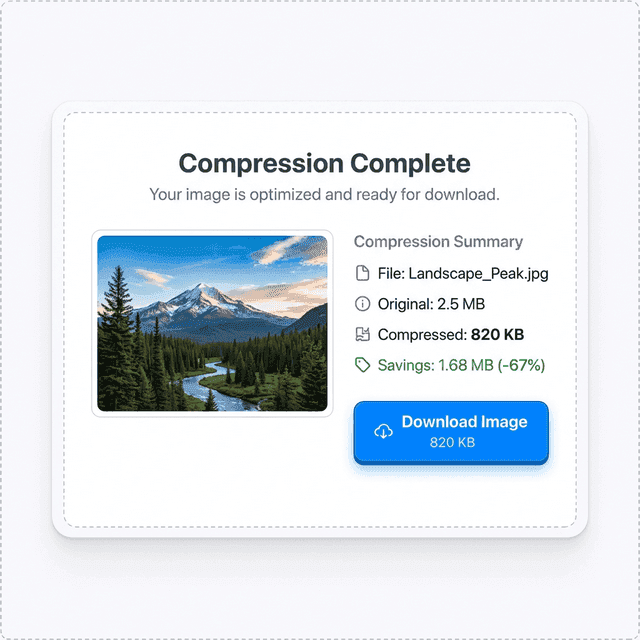
Download the Optimized Image
Download the compressed PNG image instantly.
Example of PNG Image Compression
This example demonstrates how a PNG compressor online can significantly reduce file size without affecting visual clarity.
Common Problems When Compressing PNG Images
A browser-based PNG compressor online solves these problems by allowing users to compress images instantly while preserving transparency and quality.
Real-World Use Cases
Website Owners
Optimize images to improve page speed and SEO performance.
Graphic Designers
Reduce file size of logos, UI elements, and design assets.
Bloggers
Compress images before publishing blog posts.
E-commerce Stores
Optimize product images to make pages load faster.
Developers
Compress images for websites and applications.
Online PNG Compressors vs Desktop Software
| Feature | ImagZilla | TinyPNG | Squoosh |
|---|---|---|---|
| Browser-based | Yes | Yes | Yes |
| Compression speed | Fast | Fast | Medium |
| Image quality | High | High | High |
| Transparency support | Yes | Yes | Yes |
| Software installation | No | No | No |
Related Image Optimization Tools
Frequently Asked Questions
Start Compressing PNG Images Now
Upload your image and start using the ImagZilla PNG compressor to reduce PNG file size instantly. Optimized images load faster, improve website performance, and make sharing images easier.